Install RenderSwap
Pick the setup you already run, copy the snippet and set your token. A crawler gets a rendered page; everyone else gets your site as before.
Moving from Prerender.io? See the switch steps
Your setup
You need a token first: Sign up, or open the dashboard if you have one.
Loading the snippets
Could not load the snippets.
No snippet for this setup
The service has no snippet under that name. Show the Cloudflare Worker one instead.
Scroll for more →
Your RenderSwap values
The Worker, nginx and Vercel snippets already hold the service URL, so set only the token there. Express reads both values from its environment.
Scroll for more →
Move from Prerender.io
Change the service URL and the token; your middleware stays.
- Service URL
- Where your middleware sends a page to be rendered. In prerender-node this is the
PRERENDER_SERVICE_URLvariable. -
- Token
- Your RenderSwap token, sent in the
X-Prerender-Tokenheader. Sign up to get one.
RenderSwap is not affiliated with or endorsed by Prerender.io.
Check that it works
Request your home page as a crawler would. When RenderSwap answered, the response carries an X-RenderSwap-Cache header; the command below prints it. Replace the example address with your own site.
Command
Scroll for more →
After you purge a domain, the change spreads within about a minute.
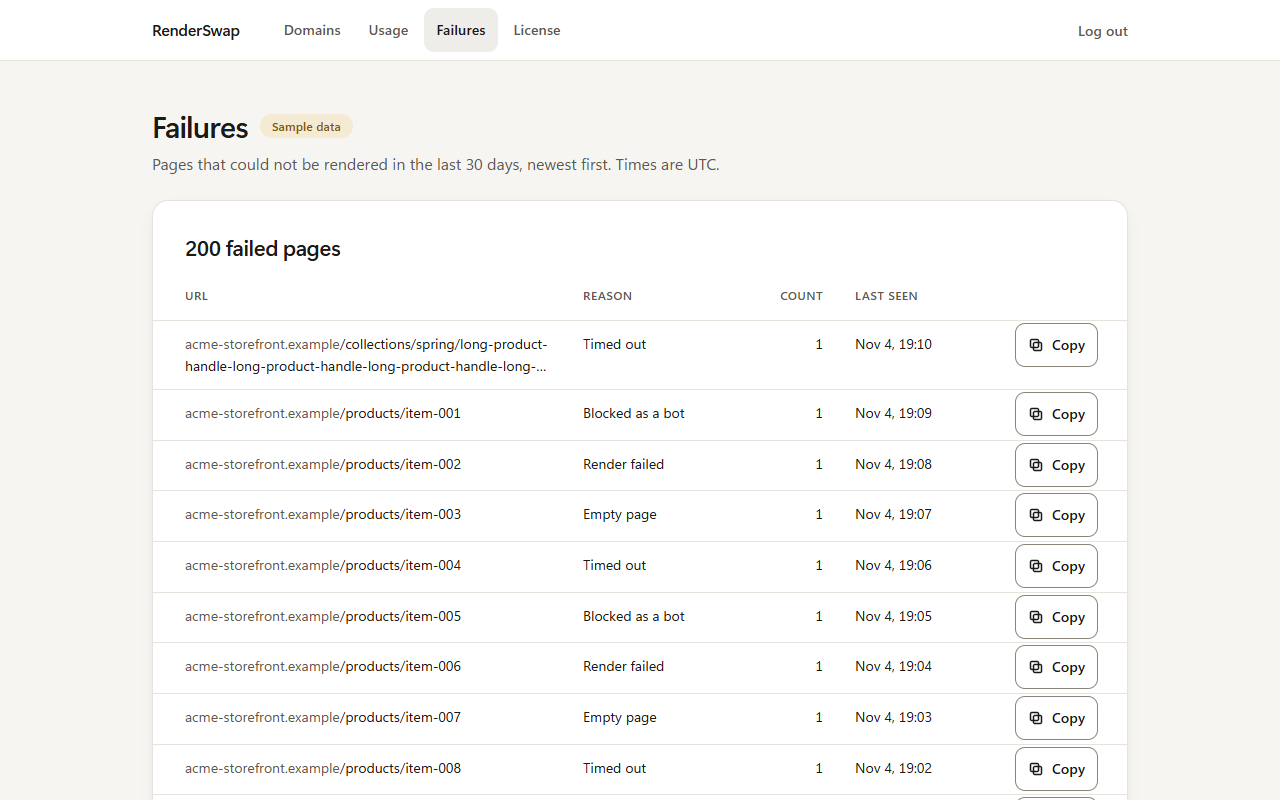
A page that fails to render is listed under Failures in the dashboard, with the reason.
If your own firewall blocks the renderer
A web application firewall in front of your site can challenge the renderer, and the page then comes back as a challenge instead of your content. On Cloudflare you can add a custom rule with the Skip action for the renderer's requests.
Whether to add that rule is your choice, on your own site. The renderer does not hide what it is: it sends X-Prerender: 1 and a User-Agent that contains RenderSwapBrowser, and a rule can match on either.
Any client can send the same header or User-Agent, so a rule that skips on them also lets those requests through. Weigh that before you add it.
Cloudflare's reference for the rule: Skip action for WAF custom rules. We read that page on .